An AI avatar that interviews participants and cuts each recording into one video
Written by Shahzaib Shoaib, founder and lead engineer
Participants open an email link and a HeyGen avatar interviews them in the browser, asking one follow-up when an answer is vague. A Lambda transcribes the recording, cuts the silences and returns one MP4 with soft subtitles and a transcript.
- 145
- Commits, 6 January to 11 March 2026, one author
- 0.8 s
- Gap between words that triggers a cut
- 5 MB
- Upload parts sent to S3 during the interview
- Client
- Australian SME AI program
- Our role
- Solo build
- Industry
- Education · SME Programs
- Region
- Australia
- Services
- AI AvatarVideo ProcessingFull-stack
- Timeline
- 6 January to 11 March 2026
- Year
- 2026
The avatar that could not finish saying hello
For a while, the avatar in this project could not get through its own greeting. Someone would open an invite link, pass the camera check, and the HeyGen avatar would start to welcome them. Halfway through, it would stop, as if someone had cut in. Nobody had said a word.
HeyGen's voice-activity detection was hearing the room. Ordinary background noise counted as speech, so the avatar paused to let the participant answer a question it had not asked yet.
My first fix was to call stopListening() during the greeting. It changed nothing, because the participant's audio still flowed to HeyGen over WebRTC. Then I tried to hook the moment the avatar starts talking, but repeat(), the SDK call that makes it say a fixed line, never fires an AVATAR_SPEAK_STARTED event. So the fix I shipped is blunt. The app mutes the participant's mic, the avatar speaks the greeting, and a listener on AVATAR_SPEAK_ENDED unmutes it. If that event never arrives, a 30-second safety timeout unmutes the mic anyway, so nobody is left talking into a dead microphone.
That was the second greeting bug. The first had participants arriving mid-sentence, fixed by moving the greeting into the browser. Both sound small, but an interviewer that trips over hello is a bad start to asking someone for a testimonial.
An interviewer that is not a person
The client is an Australian program helping SMEs adopt AI, and their name stays off this page at their request. They wanted video testimonials from participants, collected by an AI avatar.
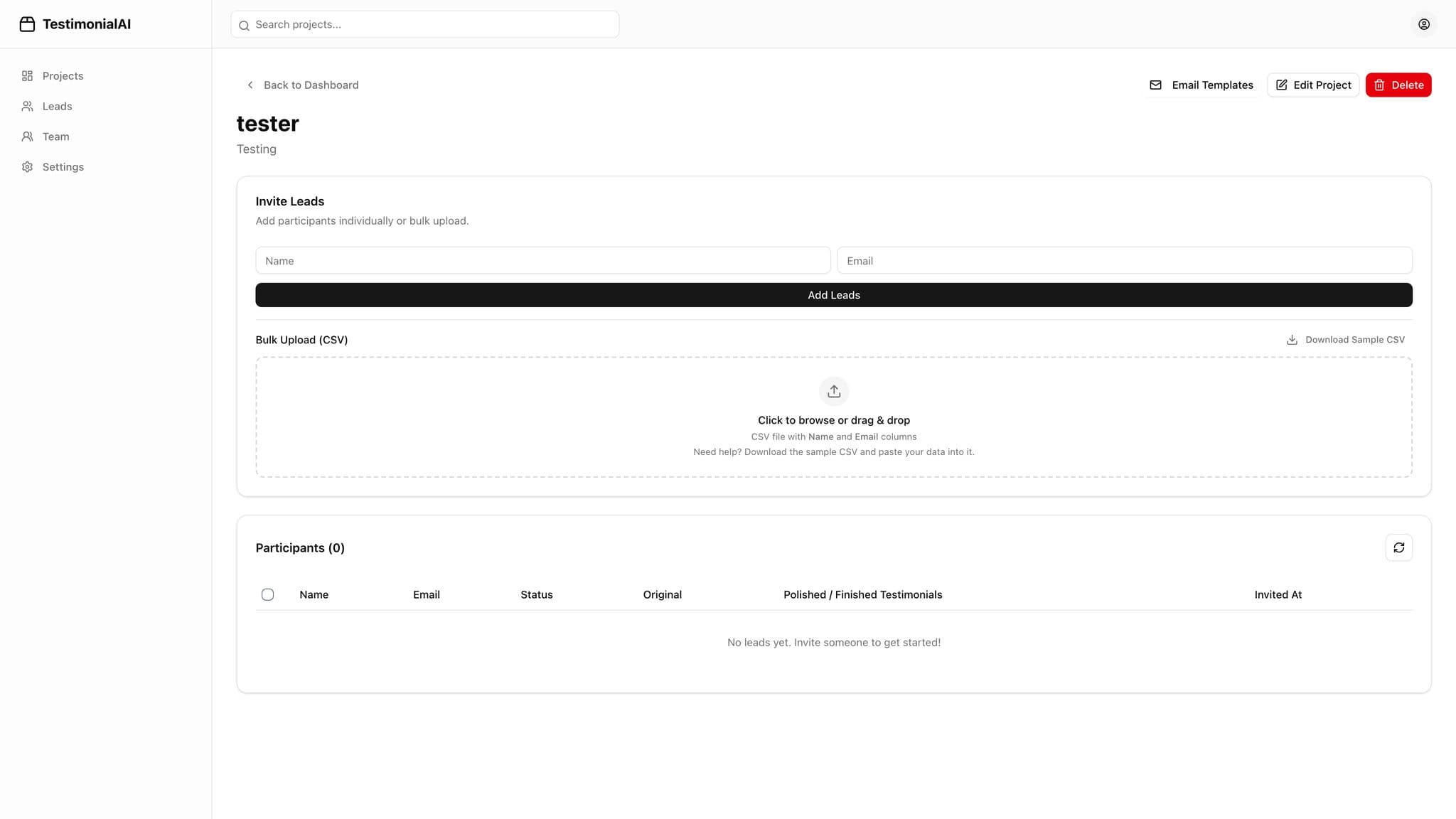
An admin creates a project with a name, a description, the questions to ask, a tone, an avatar and a voice, and a preferred type of cut. Participants get an email with a private link and sit down with the avatar when it suits them. The admin gets back the original recording, an edited version and a transcript.
The starting point was HeyGen's own LiveAvatar demo. Its hooks for the session, voice chat, avatar actions, text chat and chat history were copied into lib/heygen/sdk in our repo. Most of those files changed by 3 to 24 lines; the context provider changed by 122. I had also cloned HeyGen's older Interactive Avatar demo, but it uses the older streaming-avatar SDK and none of it made it in.
So the avatar connection started as HeyGen's code. The interview logic, recording, processing and dashboard are mine. It was a solo build, and all 145 commits have one author.
Letting HeyGen ask the follow-up
The follow-up question is what makes this more than a recorder. A participant says the program was really good and stops there. A human interviewer would ask what changed for them. The avatar had to do the same.
There is no question bank behind it, and no language model loop of our own. The app runs the LiveAvatar SDK (@heygen/liveavatar-web-sdk 0.0.10) in FULL mode, where HeyGen handles the speech both ways and runs its own conversational model. Each project creates a HeyGen context, a system prompt built from a template: the admin's questions in order, plus an instruction to ask one relevant follow-up when an answer is brief or vague. It ends with an 'anything else?' question and a fixed closing line.
This is the decision I would argue for if a client pushed back. Our own loop would have meant running speech recognition, a model and text-to-speech ourselves and keeping turn-taking in step with the avatar. A question bank would have meant someone maintaining branches for every kind of answer. Here, one sentence in a prompt asks for the follow-up, and the admin's questions stay in plain words they can edit.
The trade-off is control. The repo does not say which model HeyGen runs in FULL mode, and we cannot swap it. If the follow-ups ever drift, the only lever we have is the wording of the prompt.
The second decision was about the wait at the end. The browser uploads to S3 in 5 MB parts while the interview is still going. At the end, what is left in the buffer goes up 4 parts at a time, and the thank-you screen appears as soon as that finishes. Everything else runs after the participant has been thanked.
I rewrote mobile recording four times in three days, and the version that worked was the simplest one: record the camera directly.
145 commits, mostly in bursts
The first commit was on 6 January 2026 and the last on 11 March. The work came in bursts. 13 January had 15 commits and 21 January had 18. In February, the 6th had 15, the 7th had 13 and the 18th had 12.
January went on the admin side: the dashboard, invite emails through AWS SES, and reminders. Leads go in by hand or from a CSV, with duplicates caught inside each upload. Invite emails are edited in a drag-and-drop editor (Unlayer) and carry Add-to-Calendar links. A separate Lambda, run by EventBridge every morning at 9, sends reminders. Its cap of 3 reminders per person was later removed.
February was the hard month, spent on hardening the processing Lambda, getting recording right on phones, and auth. The dashboard is invite-only with no public signup. 11 March was one more burst of build fixes and a local processing mode.
Mobile recording, rewritten four times in three days
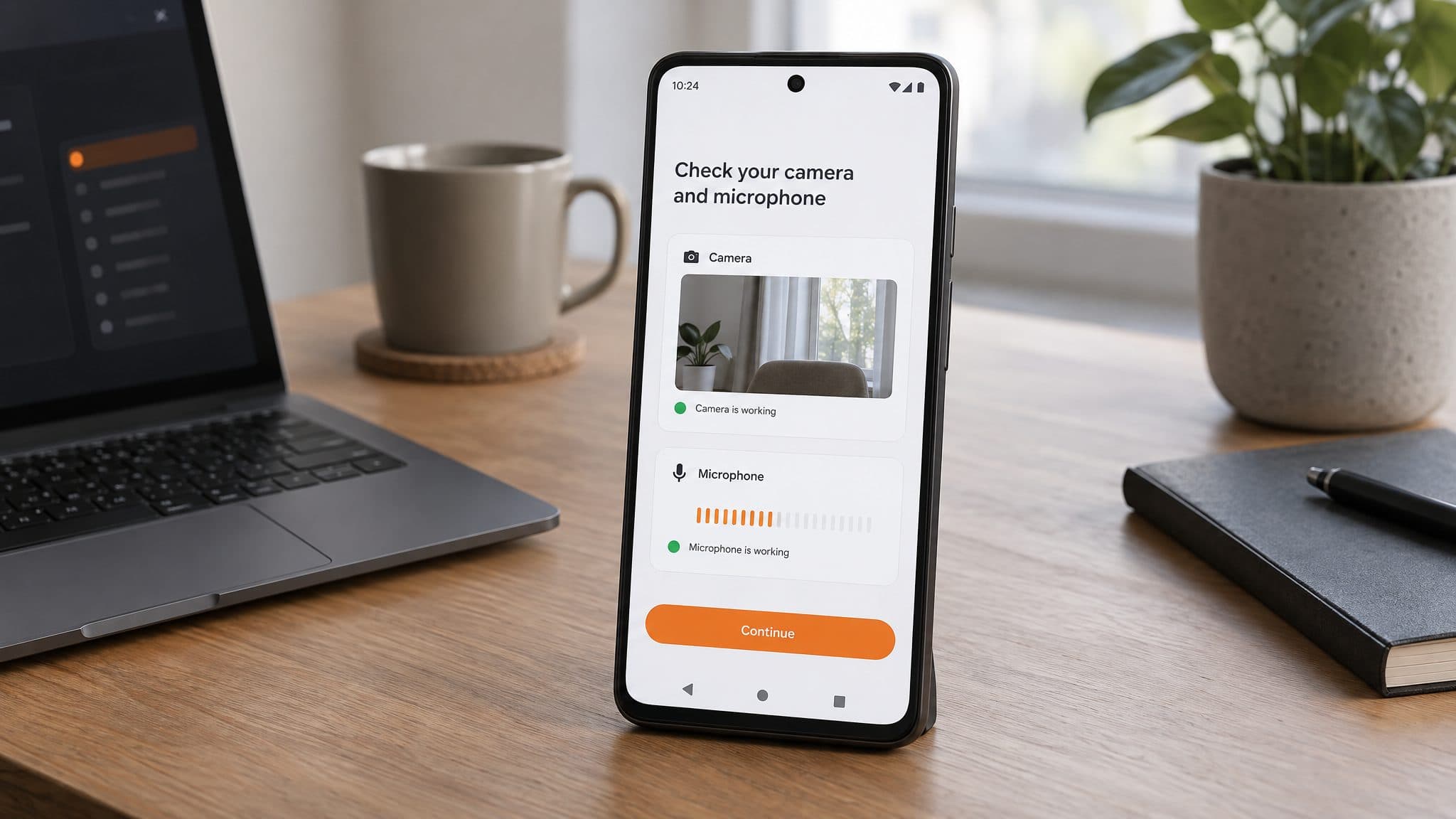
Phones are where recording broke. On 11 February I fixed stretched portrait video and added a screen for in-app browsers. People tap email links inside Gmail, LinkedIn or Instagram, those WebViews have no camera access, and the app now tells them to open the link in Safari or Chrome.
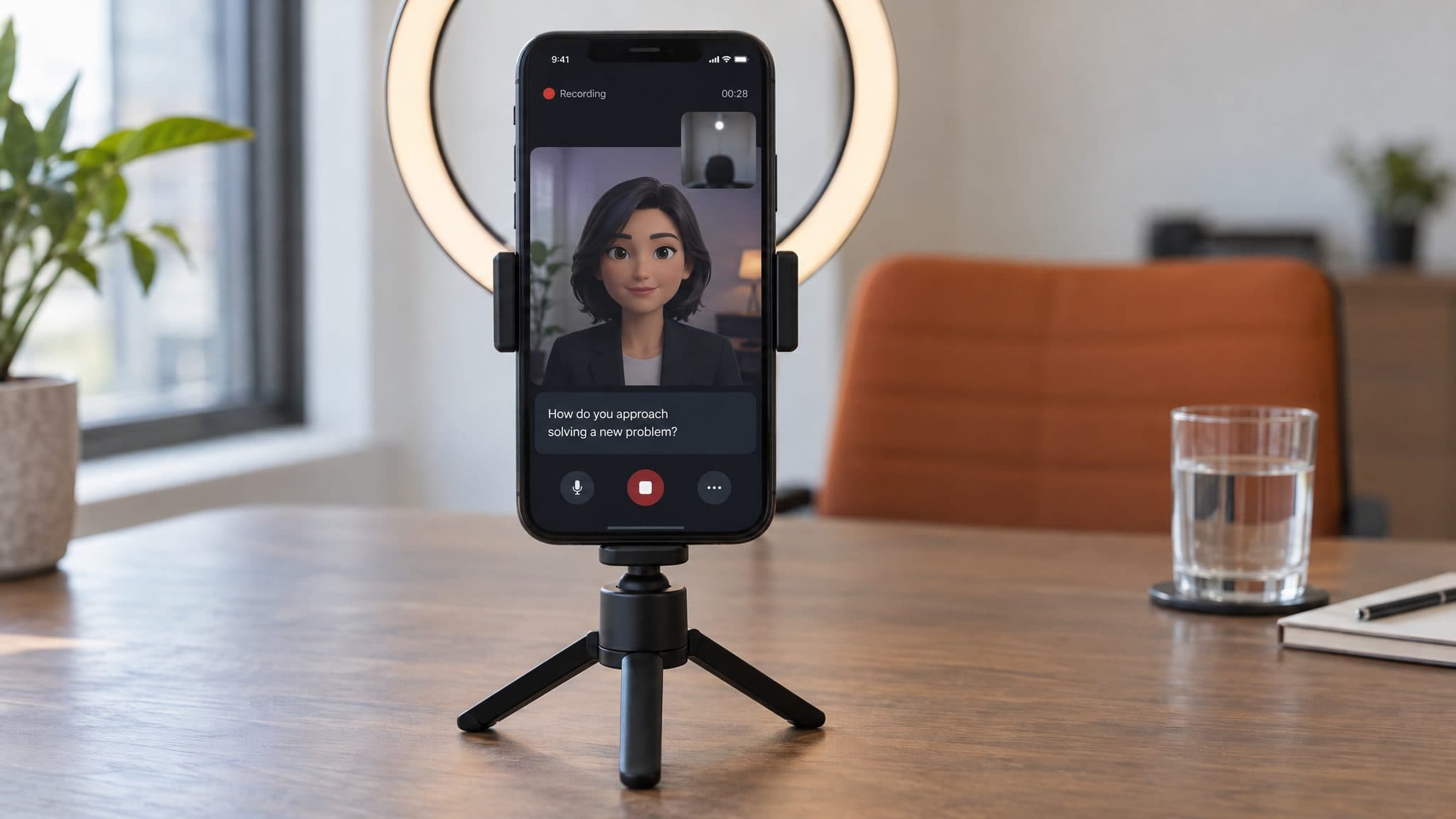
Then came the rewrites. On 14 February I built a pipeline that drew the camera onto a canvas and chose recording settings by device tier. On 15 February Android recordings had crackling audio, and iPhones needed a quality ladder of their own. On 16 February I took the canvas out. canvas.captureStream() was giving choppy or stuck video on Android Chrome, which the commit records as a documented Chromium bug. The version that stayed records the camera stream directly and prefers VP8 over VP9, because many Android phones encode VP9 in software.
I should have started with the simple version. The canvas was there to control quality, and it took four rewrites over three days to learn that on Android it made quality worse.
The app now asks for 1080p at 30 fps, at 4 Mbps (2.5 Mbps at 720p). Chrome and Firefox produce WebM with VP8 and Opus, and iOS Safari produces MP4.
The Lambda that hung on stdin
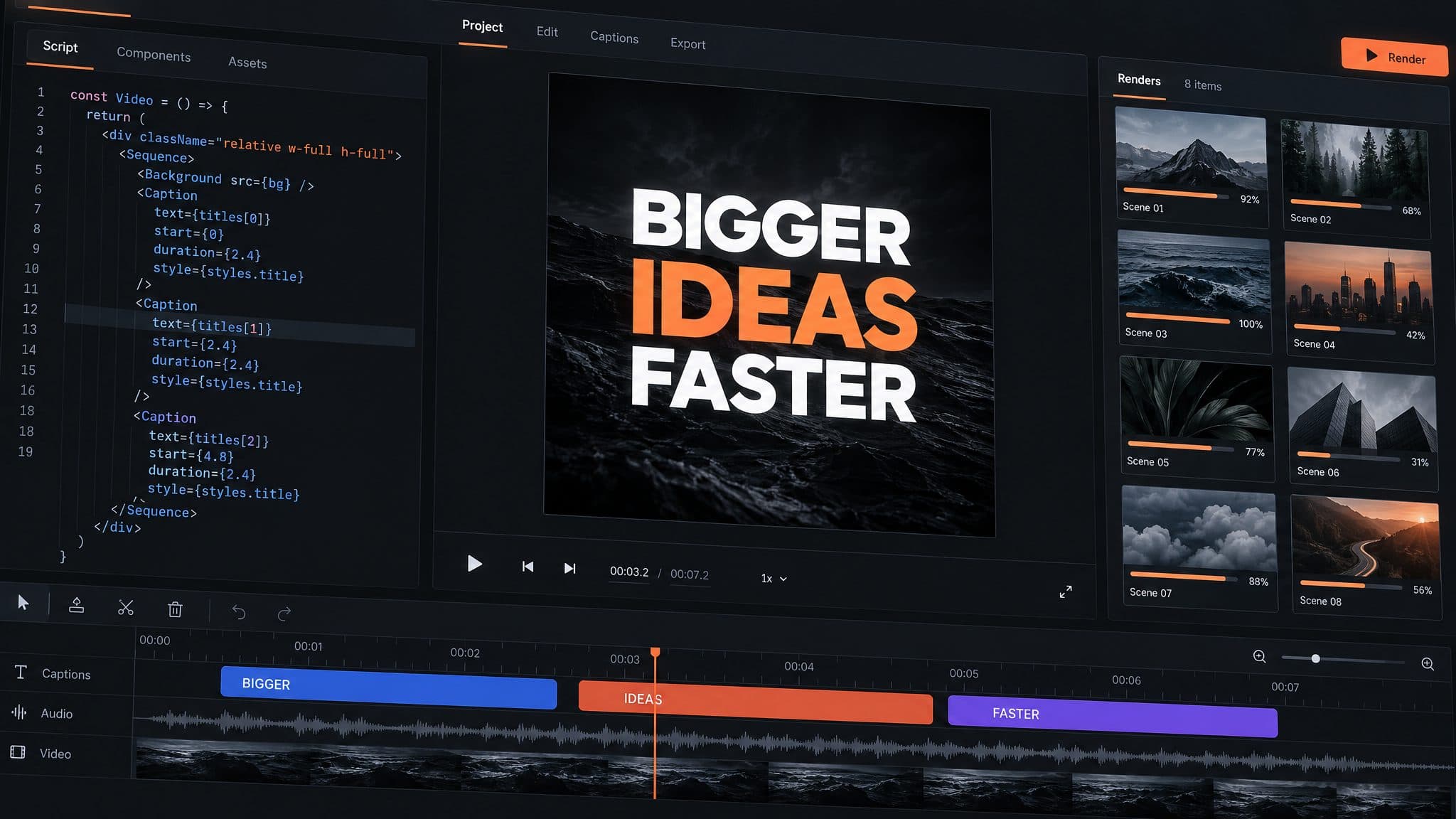
Processing runs in one AWS Lambda, a 901-line file. It converts the WebM to an H.264 MP4 at CRF 18, which becomes the downloadable original, and sends the audio to OpenAI's whisper-1 with word-level timestamps. Any gap longer than 0.8 seconds between words ends a speech segment, and the segments become a cut list. FFmpeg trims and joins them at CRF 18, and the words are re-timed into an SRT that goes into the MP4 as a soft subtitle track.
Two FFmpeg problems cost the most time. On the Node 24 Lambda runtime, FFmpeg hung waiting on stdin. I tried -nostdin, then a raw spawn, and neither fixed it, so I pinned the runtime back to Node 20. Then variable-frame-rate recordings sent FFmpeg into loops of 'More than 10000 frames duplicated', which forcing a constant 30 fps during conversion fixed.
Other failures made no noise at all. The app is hosted on AWS Amplify, and I had used Next.js after() to start the Lambda and send emails once the response was out. On Amplify those jobs did not reliably run. Those calls are awaited now, with a Retry button and a recovery script, invoke-stuck-lead.mjs, for anything that slips through. Participants who left mid-interview used to leave their entry stuck in 'processing', so the page now sends an exit signal with navigator.sendBeacon and admins can reset it to Invited.
What the admin and the participant see
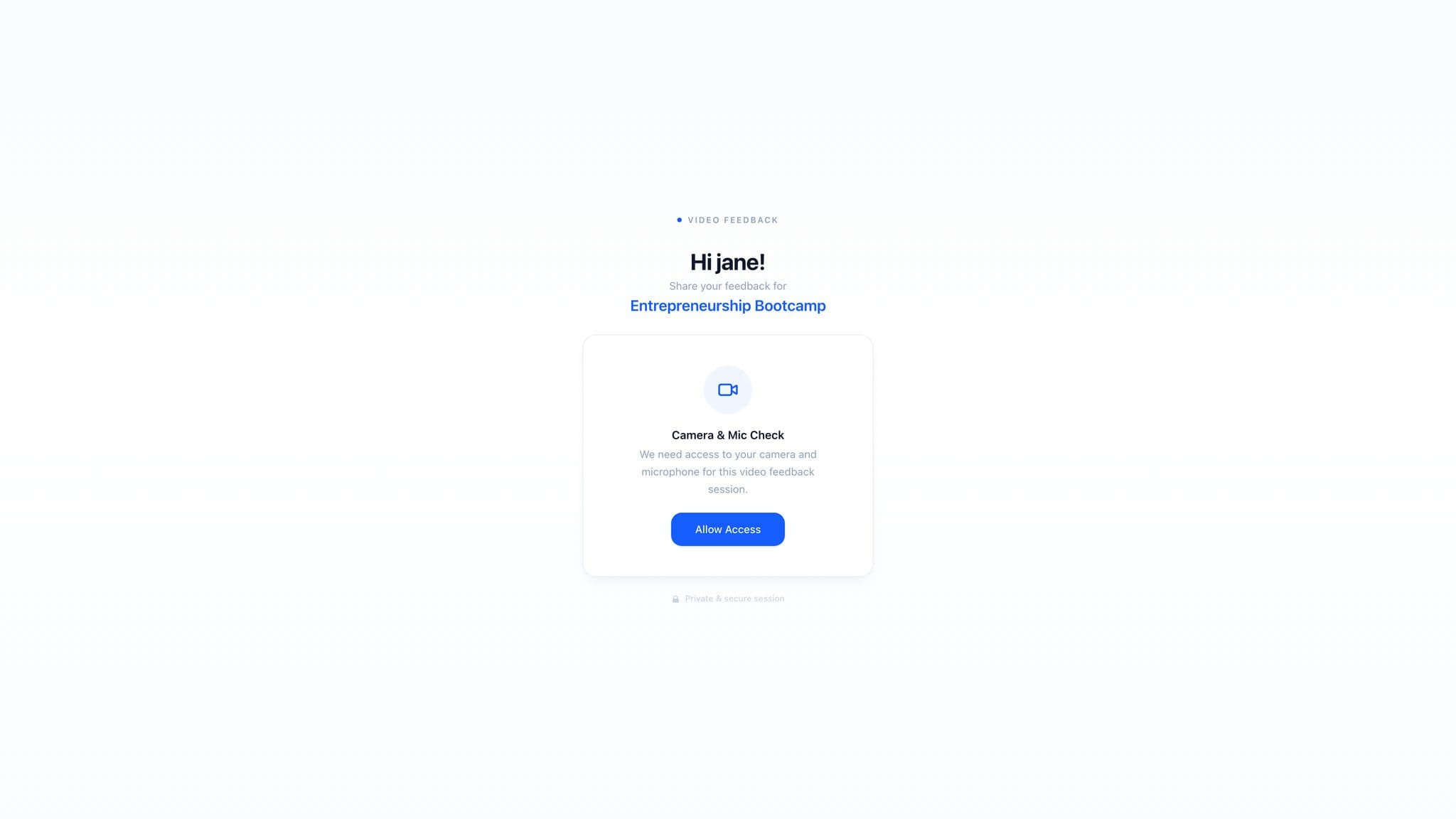
The participant's side is short. The link opens a camera and mic check with their name and the program's name. Then the avatar greets them, works through the questions with a follow-up where an answer is thin, asks if there is anything else, and says goodbye. A thank-you screen and a thank-you email follow.
The admin starts on a grid of projects. Each project has a table of everyone invited, with status updating live through Supabase Realtime. Each row has the original to play or download, the processed versions, and a 'Generate New Version' button that asks which cut to make.
There are exactly three cuts. 'All', shown as Clean Full Cut, keeps every word and removes the silences, and no language model touches it. 'Positive' and 'Negative' send the speech segments and the avatar's conversation log to Gemini 2.5 Pro through OpenRouter. The prompt asks for start and end times as JSON and tells the model to be generous about what it keeps. If the model returns nothing, a keyword list takes over, with words like 'recommend'. If that finds nothing either, every segment stays.
Each run makes one stitched MP4 in the original aspect ratio, with soft subtitles a player can switch off and a transcript as .srt or .txt. It does not split a recording into short clips or crop it to 9:16, and it posts nothing to social media.
What I can measure, and what I would change
I cannot give you a count of testimonials collected or a before and after on the client's side. I do not have those numbers, so they are not on this page.
The number I do have is processing time, and it is not where I want it. A 2-minute video took about 5 minutes 20 seconds to process. I changed the FFmpeg presets expecting that to fall to roughly 2:30 or 3:00, but that figure is an estimate in a commit message. I have not measured it.
HeyGen limits are the other open item. The only handling is a generic rate-limit message when a project is created and unique context names so projects do not collide on HeyGen's side. If many participants open their links at once, nothing in the app queues them.
What I would change first is the documentation, which drifted from the code. The README still says Next.js 15; the app runs 16.1.1. The project plan still describes a 9:16 crop, and one processing doc names Gemini models the code does not use by default. None of it breaks anything, but the next engineer reads the docs first.
The last commit is from 11 March 2026. It added build fixes and a local processing mode.
- Next.js
- Supabase
- HeyGen LiveAvatar
- OpenAI Whisper
- Gemini 2.5 Pro
- OpenRouter
- AWS Lambda
- FFmpeg
- AWS SES
- AWS Amplify
Most of the work in an AI avatar project sits in the browser and the video pipeline: mic timing, phone codecs, FFmpeg on Lambda, and background jobs that fail without a sound. The avatar's follow-up questions came from one instruction in a HeyGen system prompt. If you are buying something like this, ask to see it record on an Android phone, and ask for processing times that were measured.