A QR code app that emails each event attendee a personal AI plan
Written by Shahzaib Shoaib, founder and lead engineer
For an Australian program helping SMEs adopt AI, we built a QR code app for events. Attendees fill in a short form and get three AI tool picks and a one-page PDF by email. A narrated video version was built and tested but is not switched on in the live version.
- 3
- AI tool picks per attendee, found by live web search
- 117 s to 14 s
- Screenshot step in the video pipeline, after parallel captures
- About 2 min
- Personal narrated video, built and tested, not live
- Client
- Australian SME AI program
- Our role
- Solo build
- Industry
- Education · Events
- Region
- Australia
- Services
- Lead CaptureAI RecommendationsAutomation
- Timeline
- Two sprints, February and April 2026
- Year
- 2026
Three minutes and thirty-seven seconds
When I timed a full session with the video switched on, before any tuning, it took 3 minutes 37 seconds. Screenshots took 106 seconds of that and the video render took another 80. In the same run, headless Chromium inside the Lambda peaked at 2034 MB out of 2048 MB at p99, which is about as close to falling over as a function gets.
That would be a terrible number if a person had to stand there and watch a spinner. Nobody has to. The whole app is built so that an attendee scans a QR code at an event and fills in a short form on their phone. After that they can lock the screen and go to the next talk. The slow work happens in the background and the result lands in their inbox.
This is the story of that app, which I built alone for an Australian program helping SMEs adopt AI. It came in two sprints, one in February 2026 and one in April. The first sprint is what runs today. The second one, a personal narrated video for each attendee, was built and tested and is not switched on in the live version.
What the program wanted from a QR code
The program meets business owners at events and talks. It wanted a reason for someone in the room to hand over their details, and a follow-up that starts with some context about that person's business. The footer of the email we send tells the reader they are getting it because they requested AI tool recommendations at an event.
So the trade had to feel fair. The attendee gives a name, an email and a few sentences about what they want AI to do for them. In return they get three tools picked for what they described, with the reasons, as an email and a PDF they can keep.
We started from an empty repo. The scaffold commit is dated 20 February 2026 and the real build started the next day. I don't have numbers for how the program collected leads at events before this, so I won't guess at them.
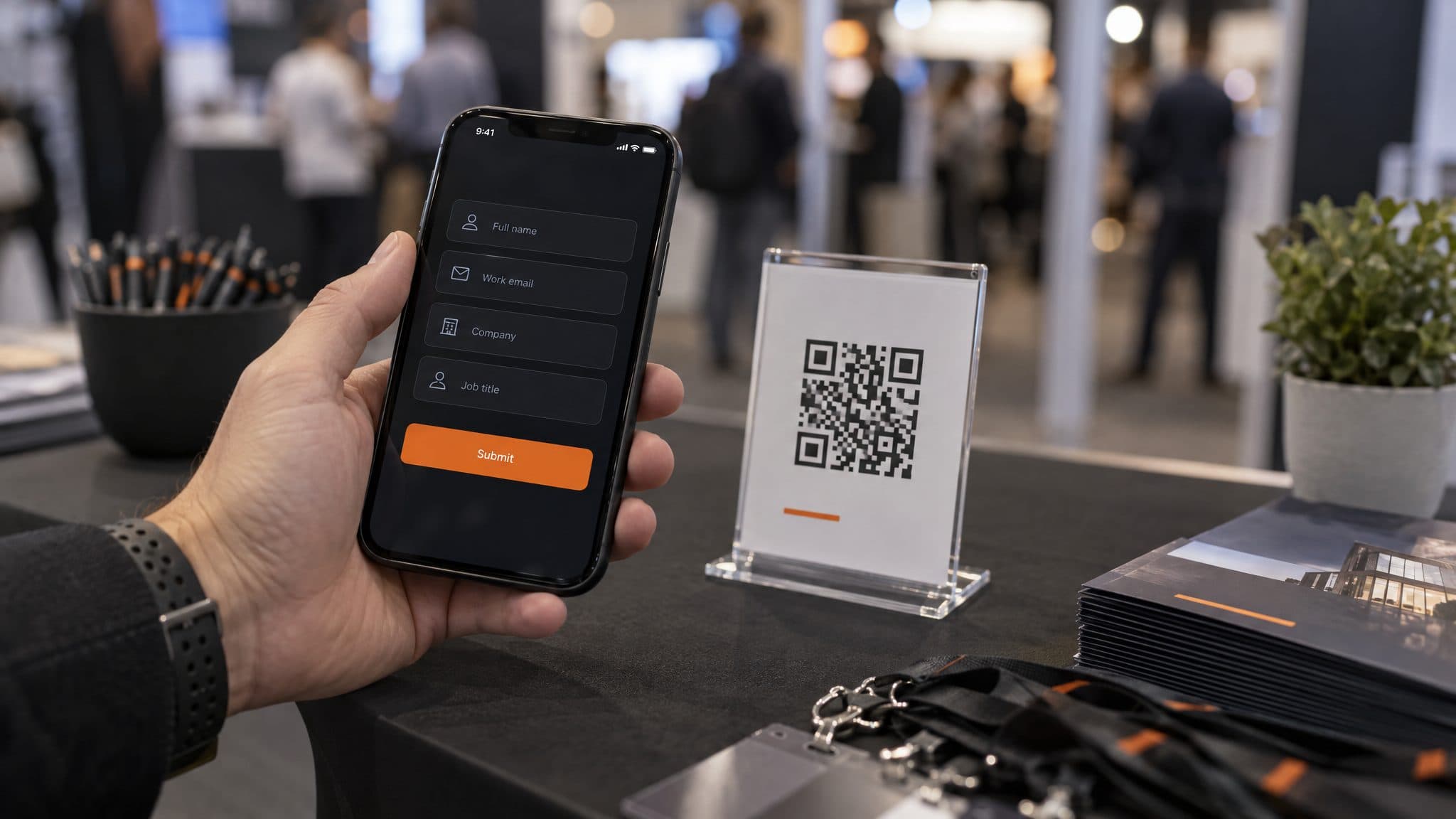
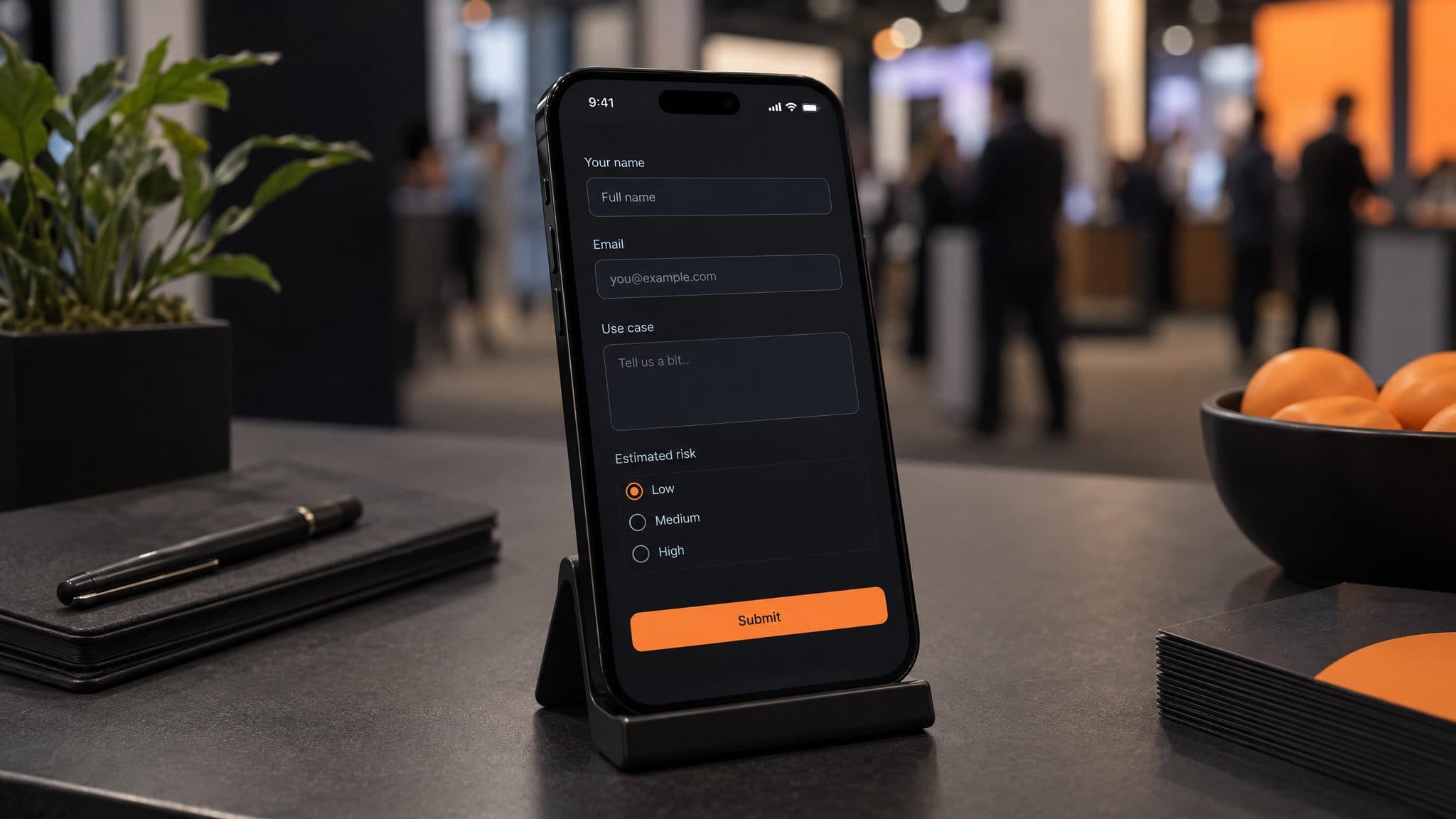
The form asks for five required things and two optional ones. Required are name, email, a use case of 10 to 500 characters, the tech stack they already use, and a risk profile. The risk profile has exactly three options: conservative, moderate or higher-risk. Company and a follow-up preference are optional. Zod checks every field in the browser and again on the server, using the same schema in both places.
No catalog, and a job that keeps running after you leave
Each attendee gets one quick-win tool, one core platform tool and one specialized fit. That split comes straight from the prompt. The harder question was where the tools come from.
There is no tool catalog. A curated tool database appears in the architecture doc only as a future idea. What runs today is an OpenAI model with live web search through OpenRouter, called with the Vercel AI SDK's generateObject and a Zod schema so the answer comes back as structured data. The project started on gpt-4o-mini. The code now defaults to gpt-5-mini with OpenRouter's web search plugin. I haven't confirmed which model the production environment is set to, so I won't name one.
The trade-off with live search is that nothing pins the answer down. The model picks tools from what it finds that day, and it can get details wrong. The worst example of that shows up later, in the video work.
The decision I'd defend in any review is the background job. When the form is submitted, POST /api/sessions writes a session to DynamoDB and invokes a processor Lambda asynchronously. The results page polls for status. If the attendee closes the tab, the Lambda keeps going and the email still goes out. People at events close tabs all the time. A phone locks or a talk starts. If the work had been tied to the open page, every interruption would have cost the program a lead.
Leads go to Airtable, and that write is non-blocking. If Airtable is slow, the attendee still gets their email. Each record holds the form fields, a summary of the recommendations, the session ID and a timestamp. Everything runs in AWS's Sydney region on Amplify, with GitHub Actions deploying the Lambdas.
The video worked in testing, and I still can't tell you whether a single attendee ever watched one.
The email that went to junk
The first sprint was seven days and 40 commits. It covered the form, the AI call, the PDF, the email, Airtable, Amplify hosting, the background Lambda and a small admin panel.
The PDF is built with @react-pdf/renderer, rendered to a buffer inside the session Lambda and attached to the email. The template is one dark A4 page. I say template on purpose. react-pdf will spill onto a second page if the content runs long, and I never checked how often that happens with real answers.
Email is where I lost time. I started with Amazon SES, and the emails landed in Outlook's junk folder. For a lead magnet that is the product failing, because the PDF is the thing the attendee asked for. I switched sending to Resend, and the project notes record inbox delivery checked on both Gmail and Outlook after the switch.
Then Gmail started collapsing the body of the email into "...". The first fix rebuilt the template as a single content cell with minified HTML. The second gave every send its own Message-ID. After both, the body showed in full.
The admin panel caused a smaller fight. It uses the Unlayer editor so the client can change the email template without a redeploy. AWS WAF saw raw HTML arriving from the editor and blocked the save. I base64-encoded the payload before sending it, and the saves went through.
A two-minute video for each person
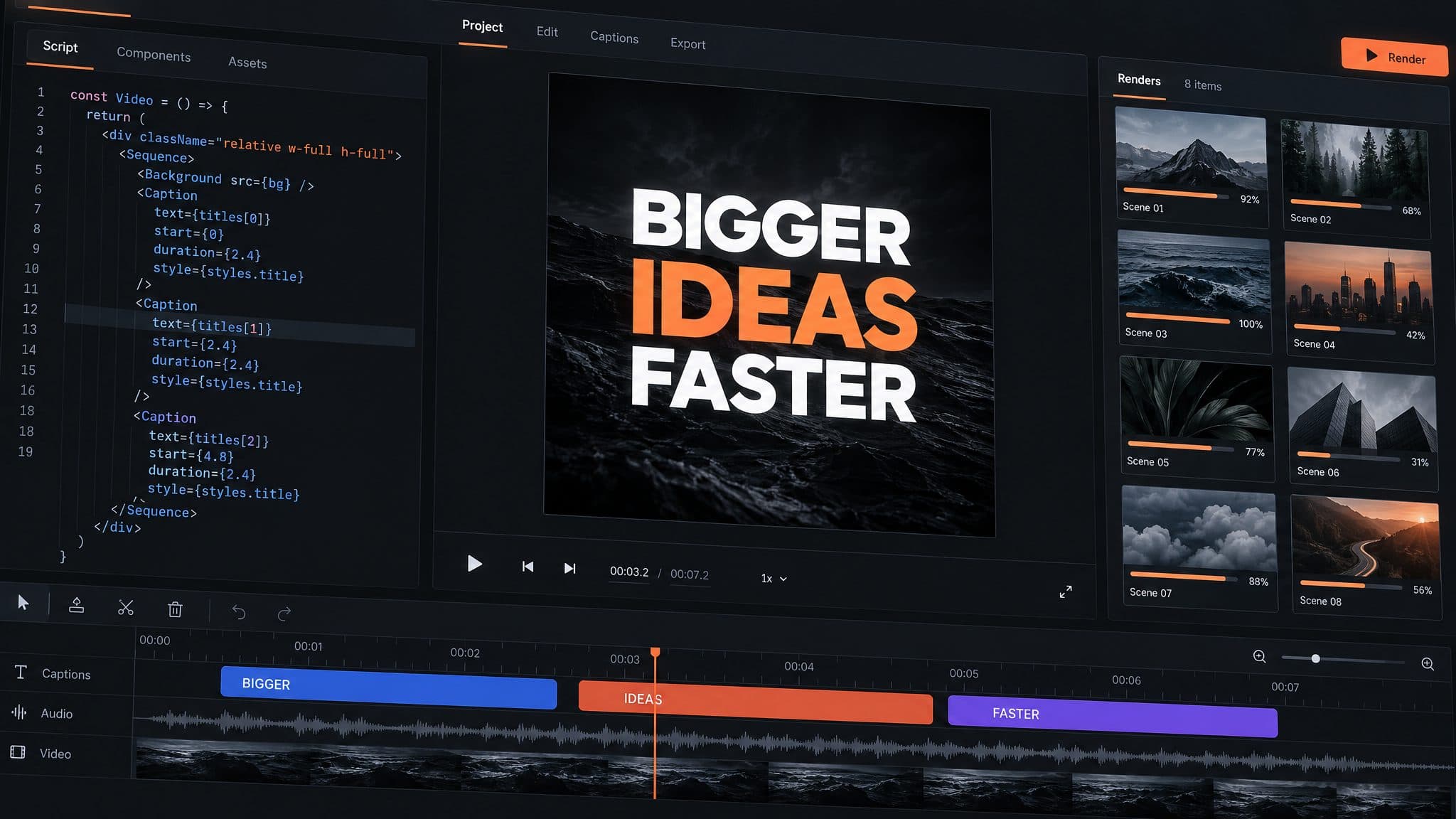
The second sprint was the video, 43 commits over ten days. After the recommendations, a second Lambda writes a short script about the attendee's three tools, has it narrated and renders a video with screenshots of each tool's website.
The script comes from gpt-4.1-mini through OpenRouter, held to 210 to 300 words of narration in total. ElevenLabs eleven_flash_v2_5 reads it in the voice called Rachel, as six clips generated in parallel. Up to three screenshots per tool go to S3. Remotion Lambda renders the MP4 and a thumbnail at 1920 by 1080, 30 frames a second, H.264. There is an intro, one scene per tool with a scrolling browser mockup, a comparison scene and a call to action at the end. It runs about two minutes.
Screenshots were the hard part, and I made them harder by running Puppeteer with headless Chromium inside the video Lambda. That setup is where the run I opened with came from. Warm containers kept leftover Chromium processes alive, so the next session would hit ERR_INSUFFICIENT_RESOURCES and come out with zero screenshots. A hung browser.close() call ran a Lambda past its 600 second timeout. Fonts failed to load in that Chromium too, so cards rendered with no text until I loaded them through the FontFace API.
By then the Puppeteer code was 1,599 lines. I replaced all of it with Cloudflare Browser Rendering, which moved the browser out of our Lambda and cut about 50 MB from the bundle. The design doc lists the reasons as out-of-memory errors, cold-start latency and zombie Chromium processes. I should have started with a hosted browser. Writing 1,599 lines and then deleting them is the most expensive mistake in this project.
The screenshot step took 117 seconds before tuning. Tuning got it to 44.4. Running the captures in parallel brought it to about 14.
The bug I remember best came from the model. In one session it returned "/pricing" where it should have given a full URL, and every screenshot in that session broke. Separately, failed captures fall back to the site's og:image, then to a card built from the favicon. The observed split was about 80 percent real captures, 15 to 20 percent og:image and 3 to 5 percent favicon cards.
What an attendee sees
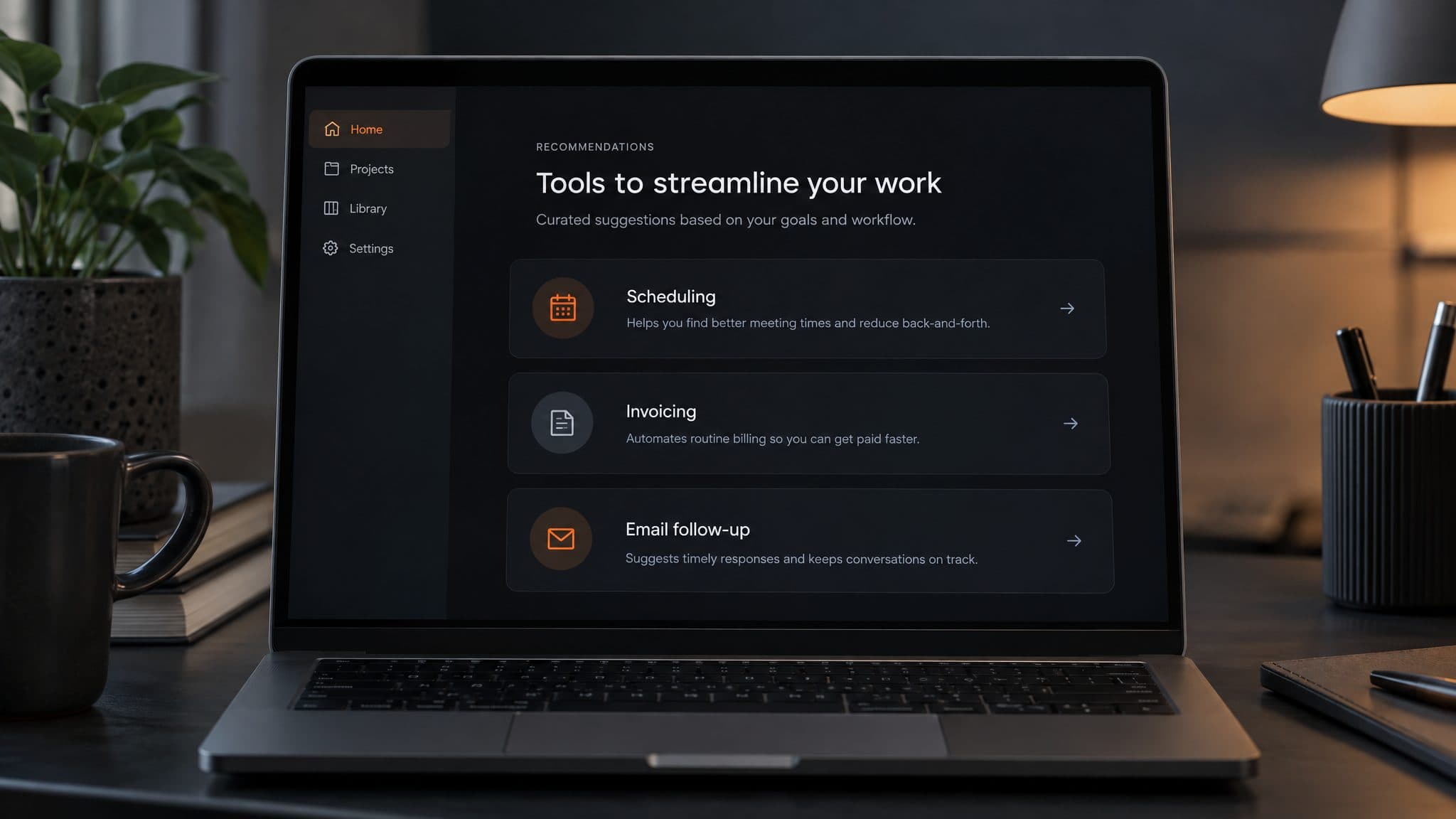
On the phone there is one short form. After they submit, the results page tells them to expect 20 to 30 seconds. That figure is our UI copy and was never measured. When the job finishes, three cards appear. Each one names a tool and explains why it fits what the person described, given their stack and how much risk they said they would take.
In the inbox there is an email with the same three tools and the one-page PDF attached. The client can change that email's layout and wording from the admin panel without a redeploy.
With the video switched on, the order changes. The video Lambda sends the email once the render is done, with a Watch Video link, or with the tools only if the render failed. The render is polled every 2 seconds with a 5 minute cap, and the thumbnail takes about 5 to 15 seconds.
What I can tell you, and what I can't
The live version runs from main. It does the form, the recommendations, the PDF, the email and the Airtable record.
The video branch has 83 commits and was never merged. Main has 43 and runs with VIDEO_ENABLED set to false, which skips the video entirely. I can't confirm that any attendee ever received a video. So the honest description is the one I've used all along: built and tested, not switched on in the live version.
I also have no lead counts to show you. The app has no analytics or click tracking, and nothing in the code tells me how many people submitted the form or asked for a follow-up. I won't name the event or guess.
The only end-to-end time I measured is the 3 minutes 37 seconds from before the tuning. With the screenshot step at about 14 seconds I'd expect something near a minute now, but that is an estimate and nobody has timed it.
Nobody load-tested it either. DynamoDB runs on demand, which the README justifies with unpredictable event spikes, but there is no rate limiting in front of the session endpoint. If a whole room scanned the code at the end of a talk, I can't tell you from evidence what would happen.
What I'd do before the next event
Two things before anyone prints a new QR code. A load test against the session endpoint, with rate limiting in front of it. And basic tracking of each step after the scan, so the next version of this page can carry real numbers.
Then the video. The hard parts are done and the branch works in testing. Merging it means running two model calls, ElevenLabs, Cloudflare and Remotion for every attendee, and I'd want a measured end-to-end time first.
Where it stands today: main ends at a commit from 7 April 2026 and runs without video. The last commit on the video branch is from 15 April.
- Next.js
- TypeScript
- Vercel AI SDK
- OpenRouter
- AWS Lambda
- DynamoDB
- Airtable
- Resend
- Remotion Lambda
- ElevenLabs
Build the part people actually receive first, and make it survive a closed tab. The form, the three picks and the PDF shipped in a week of work. The video took a second sprint, worked in testing, and is still not switched on. If you are buying something like this, ask which parts have a measured time and which have only an estimate. Here, the only measured run predates the tuning.